Make the room part of the invitation
Show guests your actual layout in 3D, so the atmosphere and the seating become part of why they choose your restaurant.
A quiet corner. A table by the window. Enough room for the whole group. Let guests explore your restaurant in 3D and choose a spot for their booking, while your team sees the table choice alongside the reservation.
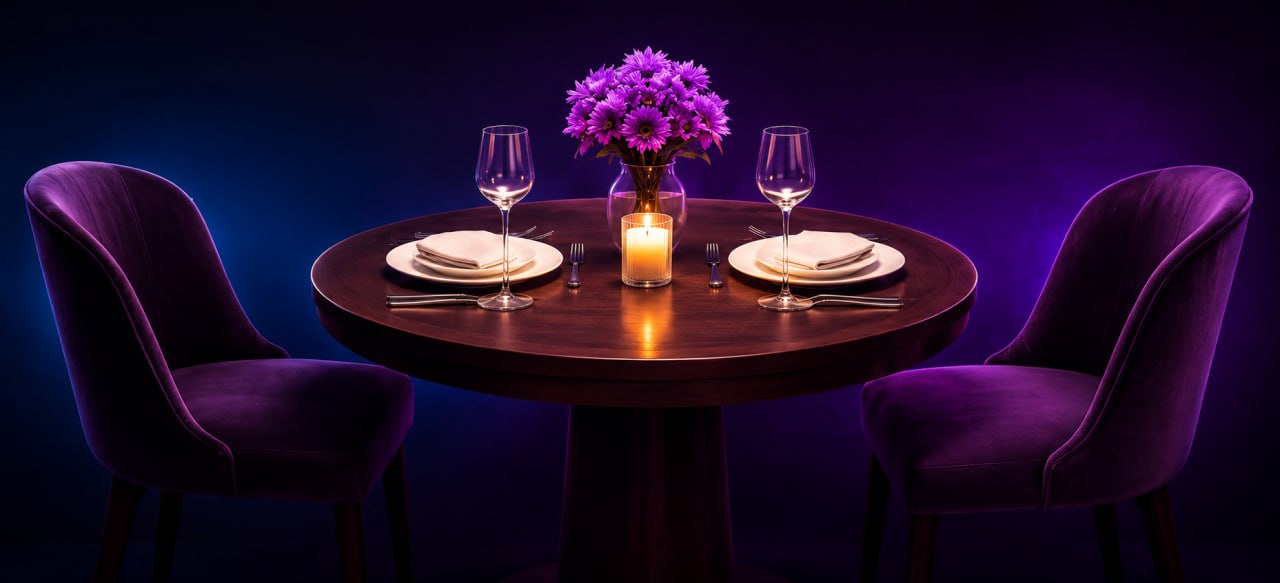
Explore the setting. Choose the seats. Make it yours.
Show guests your actual layout in 3D, so the atmosphere and the seating become part of why they choose your restaurant.
A guest selects a table in the room. That choice travels with the booking, giving your team something concrete to work with.
The same tables, capacities and layout support guest selection, staff seating and shared table orders.
Arrange walls, doors, tables and decor in your restaurant tools, then explore the layout in 2D and 3D.
Set table capacities and choose the tables guests can select in the restaurant’s 3D tour.
Guests select their spot. Your team receives the table preference with the reservation and seats the party for service.
Yes. Guests explore the room and select a table for their reservation. Your team sees the selection with the booking and manages the final seating.
Yes. Set each table’s capacity and guest-selection settings. Your restaurant controls how the room is presented and used.
Arrange your floor plan, tables and room elements in your restaurant tools. Our team can help you turn your venue into a guest-facing 3D experience.
Give guests a dish they can explore, not just a name they have to imagine. Rotate the plate in 3D and preview it on the table in AR.
Discover the benefitsGuests invite friends into the same reservation and preorder together. Your team gets the group, table choice and dishes in one place.
Discover the benefitsA QR connects the whole group to one shared tab. Guest choices flow straight into the tools your kitchen, bar and floor team use.
Discover the benefitsPay together, split evenly or settle personal dishes. Tips, tax breakdowns and receipts stay connected to the order.
Discover the benefitsKeep guest history and private notes with your team. Understand your service through restaurant reports and bring every shift onto the same page.
Discover the benefitsGet listed in five minutes. No subscription. No upfront cost. A whole new way to welcome, serve and delight your guests.
Want a hand? Book a walkthrough ↗