From craving to conjured, in five steps
Discover a restaurant, explore its menu, reserve and join a shared table. The features available during your visit depend on the restaurant’s setup.
In a hurry? Just ask Genie.
Tap the Genie bulb to ask for restaurants or dishes, explore available previews and get help creating or updating your reservation.
Find your restaurant
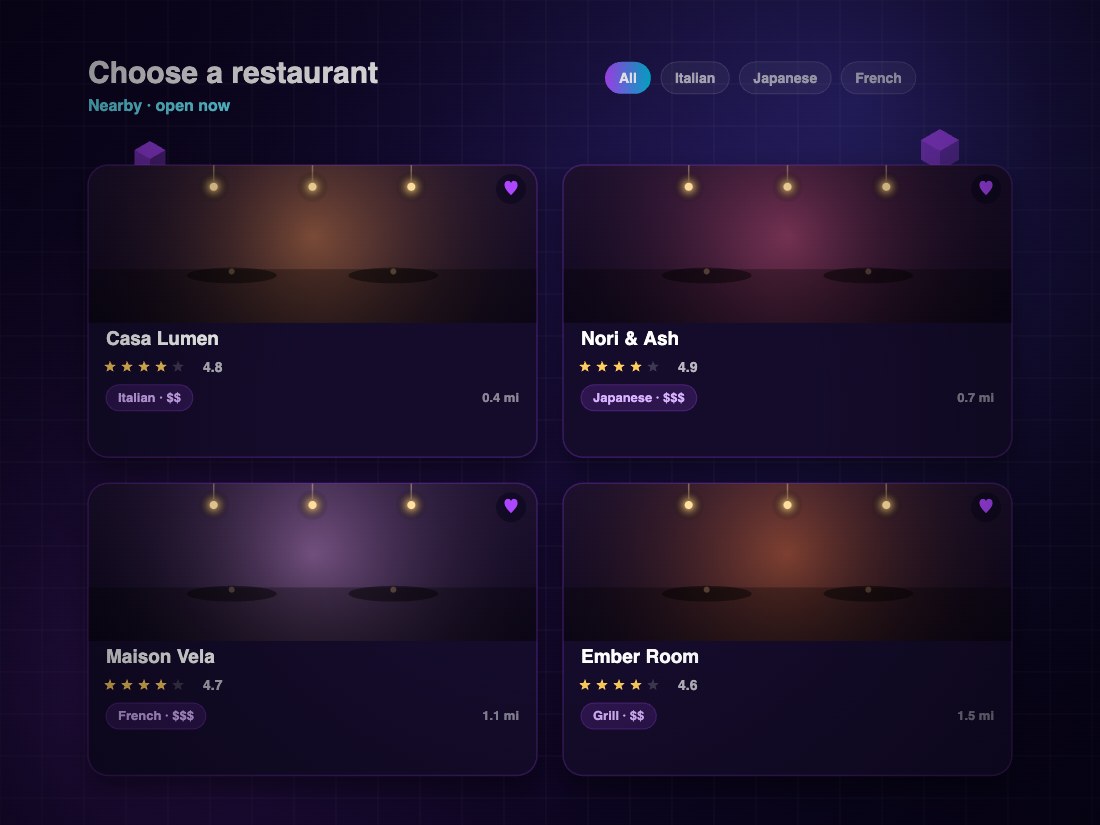
Browse restaurants, cuisines and dishes. Explore the room in 3D and choose the table you want, from a quiet corner to a place at the heart of the room.
See the menu in three dimensions
Rotate dishes in 3D, explore their ingredients and place the models on your table in AR. See the presentation, compare choices and build your meal together.

Lock in the time and details
Pick your date, time and party size. Invite friends into the same reservation so everyone can choose dishes before you arrive. Your booking, guests and preorders stay together.

Scan one QR, share one tab
Scan the table’s QR to join one live order. Everyone adds dishes from their own phone, the host controls who joins, and the whole group sees the same tab.

Split it however you like
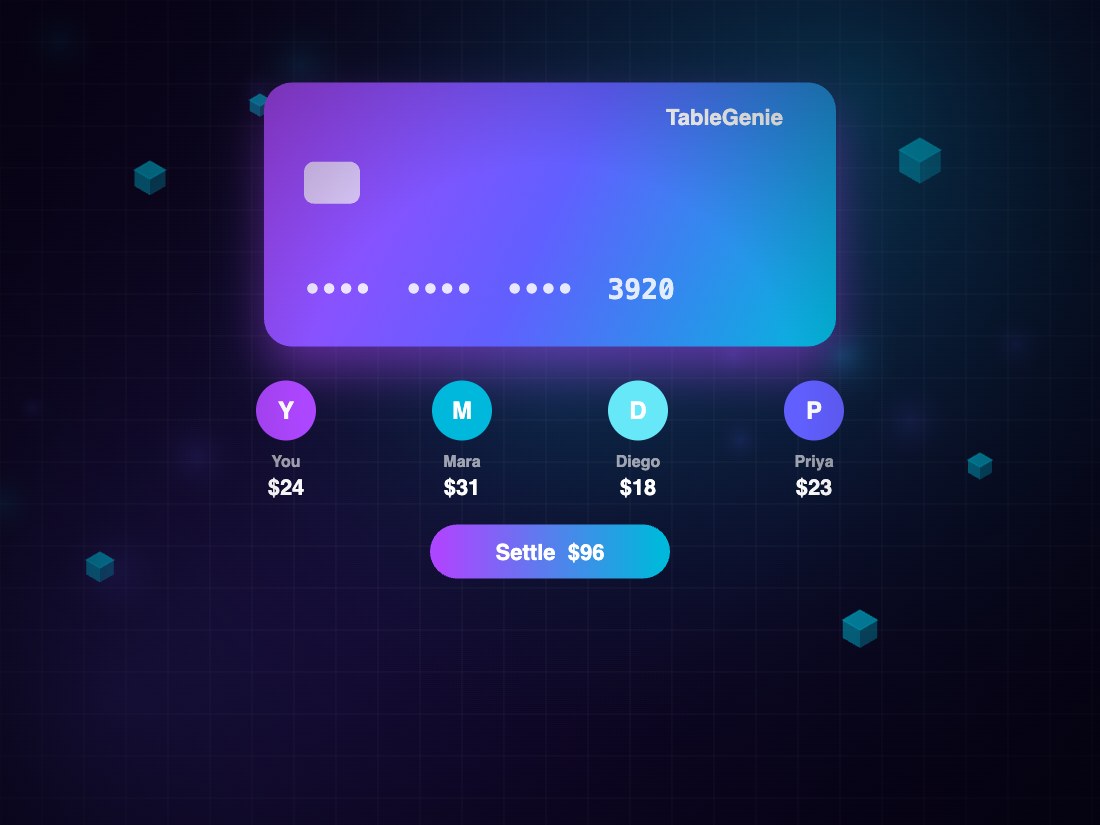
Pay for the whole table, split evenly or settle your own dishes. Add a tip, see what has been paid and leave with an itemized record of the visit.
Two ways to settle, zero awkwardness
Where online payments are enabled, choose a personal or even split. Otherwise, request the bill and pay at the restaurant.
Split by person
Settle the dishes you added to the shared tab. Your share, tax and tip are calculated together, so the group can skip the bill-splitting math.
Split evenly
Divide the table bill into even shares and choose your own tip. The shared summary keeps track of everyone’s payments and the remaining balance.